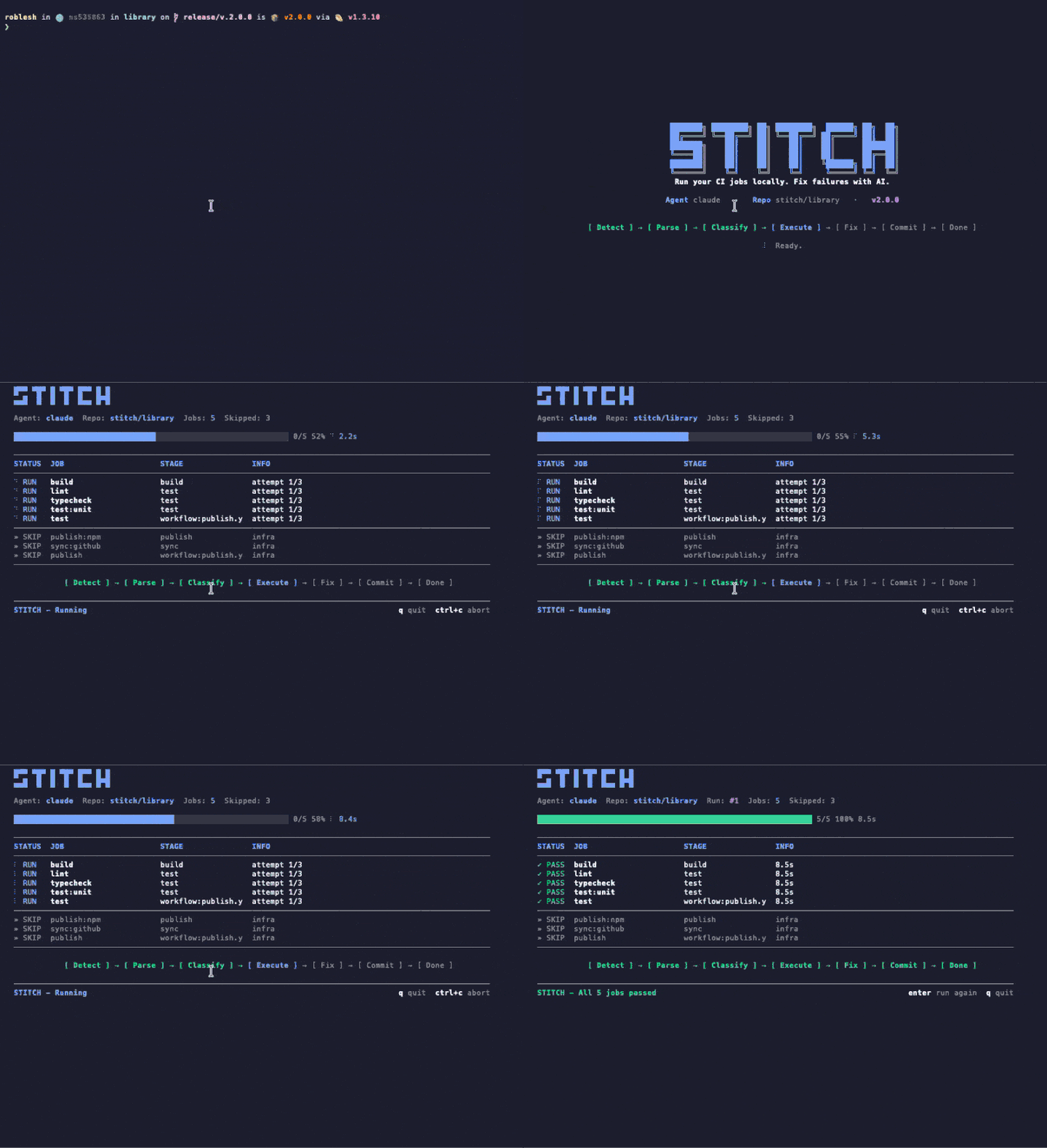
An AI agent that autonomously detects, diagnoses, and patches CI pipeline failures. Drop two jobs into your config. That's it. No servers, no setup, no babysitting.
pip install stitch-agent Stitch catches what slips through code review — lint errors, type mismatches, broken tests — and fixes them before you even notice.
Every patch is validated before pushing. Rejects changes that rewrite too much, modify signatures, or add dependencies.
Runs as a CI job, not a separate service. No servers to deploy, no webhooks to configure, nothing to maintain.
Powered by OpenRouter with access to 200+ models. Simple errors use a fast, cheap model; complex issues escalate automatically. You choose the best price/performance ratio.
Regex-based classification engine covers lint, format, type errors, broken tests, build failures, and more.
When Stitch can't fix it, your team gets notified via Slack or webhook. No fix is ever forced through silently.
Customize behavior with .stitch.yml — set languages, linters, models, conventions, validation thresholds, and notification channels.
Every fix reports exact token usage and real cost in USD. No estimates — actual amounts charged, fetched directly from the API.
GitLab and GitHub, including self-hosted instances. Auto-detects your platform from CI environment variables.
From failure detection to pull request — Stitch handles the entire loop without human intervention.
CI fails. Stitch reads the logs, classifies the error across 150+ patterns, and generates a minimal, safe patch via OpenRouter.
The fix is pushed to a stitch/fix-* branch. CI runs again on the new branch. If it passes, a PR is created automatically.
If the fix fails, Stitch retries with a stronger model. After max attempts, it escalates to your team via Slack or webhook.
Add two CI jobs to your existing pipeline. Stitch runs as a post-stage and handles everything else.
on: workflow_run: workflows: ["*"] types: [completed] jobs: fix: if: github.event.workflow_run.conclusion == 'failure' runs-on: ubuntu-latest steps: - uses: actions/checkout@v4 - run: pip install stitch-agent - run: stitch ci env: STITCH_OPENROUTER_API_KEY: ${{ secrets.STITCH_OPENROUTER_API_KEY }} STITCH_GITHUB_TOKEN: ${{ secrets.GITHUB_TOKEN }}
# Job 1: Fix failures on normal branches stitch-fix: stage: .post when: on_failure image: python:3.12-slim except: refs: - /^stitch\// script: - pip install stitch-agent - stitch ci # Job 2: Verify fixes on stitch branches stitch-check: stage: .post when: always image: python:3.12-slim only: refs: - /^stitch\// script: - pip install stitch-agent - stitch ci
A weighted regex engine classifies errors across 9 categories with confidence scoring, so each fix uses the right strategy.
Unused imports, style violations, naming conventions
Indentation, whitespace, line length issues
Missing annotations, basic type mismatches
Missing dependencies, import errors, module resolution
YAML syntax, missing variables, broken pipelines
Broken assertions, mock mismatches, expected outputs
Generic inference, conditional types, advanced TS
Off-by-one, incorrect conditions, wrong operators
Unclassified errors escalated for human review
Every patch is programmatically validated before it ever touches your codebase. Stitch rejects anything that looks risky.
Rejects patches that rewrite more than 40% of any file
Won't modify function signatures or remove exports
Blocks patches that add new dependencies or imports
Maximum 5 files and 200 lines changed per fix
Never deletes files — only modifies existing code
languages: [python, typescript] linter: ruff test_runner: pytest max_attempts: 3 models: classifier: google/gemini-2.5-flash-lite light: google/gemini-2.5-flash-lite heavy: google/gemini-2.5-flash validation: max_diff_ratio: 0.40 max_files_changed: 5 max_lines_changed: 200 block_new_imports: true block_signature_changes: true block_export_removal: true conventions: - "Always use explicit return types" - "Never downgrade dependency versions" notify: channels: - type: slack webhook_url: https://hooks.slack.com/...
Beyond CI integration, Stitch exposes a clean async Python API for custom workflows and automation.
import asyncio, os from stitch_agent import StitchAgent, FixRequest from stitch_agent.adapters.github import GitHubAdapter adapter = GitHubAdapter(token=os.environ["GITHUB_TOKEN"]) agent = StitchAgent( adapter, api_key=os.environ["OPENROUTER_API_KEY"], base_url="https://openrouter.ai/api/v1", ) async def main(): request = FixRequest( platform="github", project_id="x24labs/my-app", pipeline_id="9876", job_id="1234", branch="main", ) async with adapter: result = await agent.fix(request) print(result.status) # 'fixed' | 'escalate' | 'error' print(result.mr_url) # PR URL if fixed asyncio.run(main())
Install Stitch in under a minute. Let your CI heal itself while you ship what matters.